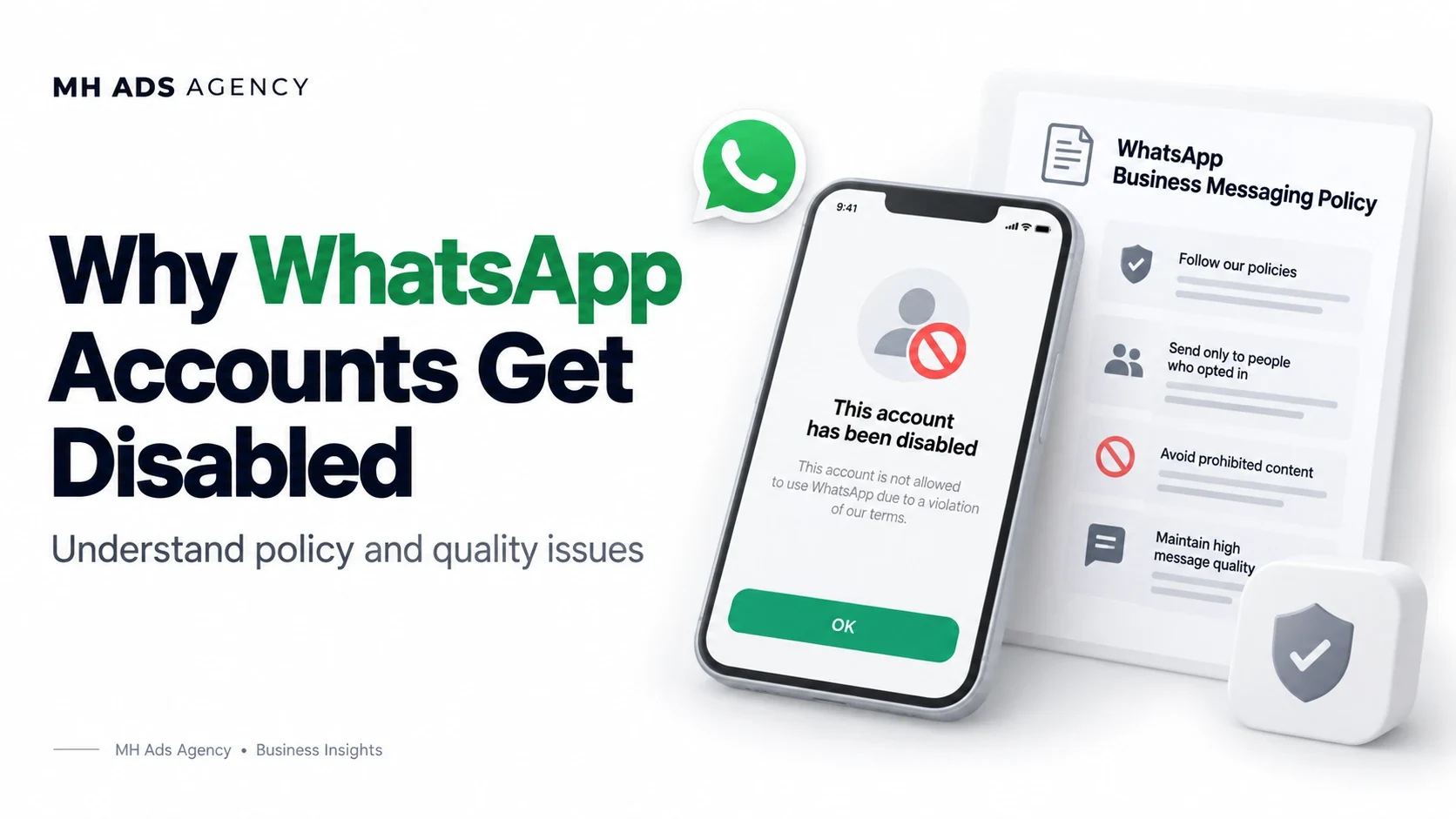
A disabled WhatsApp Business account can disrupt support and notifications. The relevant account notice is the best source for understanding the particular case.
Common areas to review
Check whether messages were expected by recipients, permission was obtained, and opt-out requests were honored. Review spam-like activity, misleading business representation, and prohibited or restricted content.
Negative feedback and policy violations can affect access. Approval of a template does not authorize every audience or every use of that template.
Identify the affected resource
A paused template, restricted number, and disabled WABA are different situations. Confirm the resource named in the notice and the functions that remain available.
Do not assume adding a new number will resolve an account-level issue.
Request review when available
Inspect the official notice and review controls. Provide an accurate explanation of your messaging practices and any relevant supporting information. Correct underlying problems before resuming activity if access returns.
Avoid guarantees about restoration or fixed review times. The decision belongs to the platform.
Plan WhatsApp messaging around consent, relevant content, accurate identity, and customer feedback.