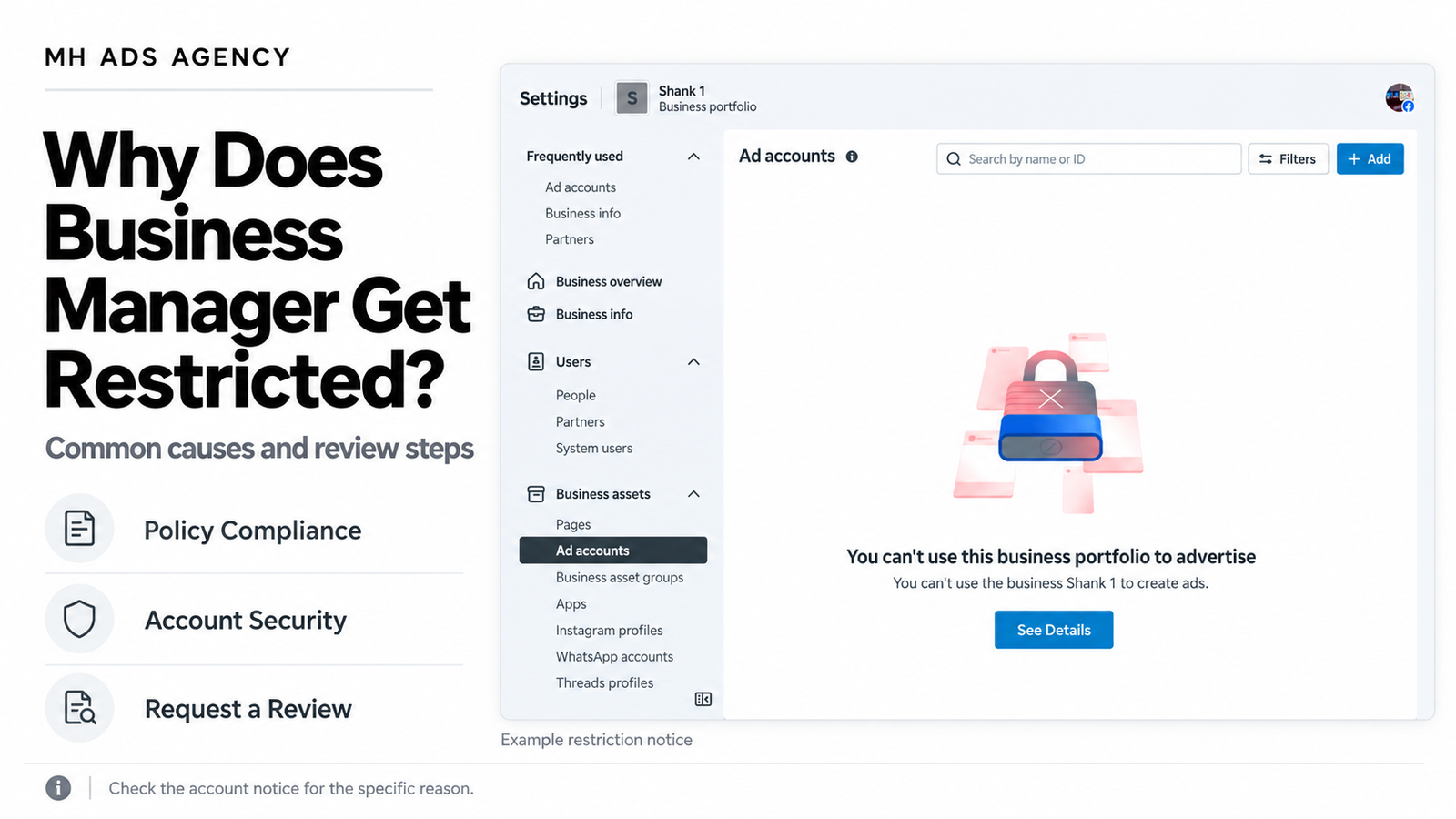
Seeing “You can’t use this business portfolio to advertise” can interrupt your advertising plans. However, this message alone does not explain the specific cause.
Meta Business Manager, now commonly called a business portfolio, can face restrictions when Meta identifies policy violations or concerns about advertiser behaviour. Understanding the account notice is the first step toward resolving the issue.
What Does a Business Manager Restriction Mean?
A restriction can prevent a business portfolio or one of its assets from advertising. The affected asset might be the portfolio, an ad account, a Facebook Page, or a person’s advertising access.
An individual rejected ad is different from a restriction affecting the entire business. Always identify which asset is restricted before taking action.
Common Reasons for Restrictions
1. Advertising policy violations
Ads and their landing pages must meet Meta’s advertising requirements. Misleading offers, prohibited content, or other violations can result in rejected ads and potentially restrictions on associated business assets.
2. Repeated violations
Continuing to submit content that violates policies can create wider account problems. Review the stated rejection reason and correct the underlying issue before submitting another version.
3. Attempts to bypass enforcement
Creating replacement accounts to continue restricted activity, concealing prohibited content, or otherwise avoiding review can lead to further enforcement. Meta identifies attempts to evade enforcement as behaviour that can warrant business-asset penalties.
4. Inauthentic or fraudulent activity
Misrepresented identities, fraudulent behaviour, and involvement with violating account networks can also result in restrictions. Accurate business information and legitimate access arrangements matter.
Is Every Delivery Problem a Business Restriction?
No. An unpaid balance, rejected ad, exhausted budget, or spending limit can also stop advertising.
Check the actual error message rather than assuming that every campaign interruption means your Business Manager is restricted.
What Should You Do First?
Open the restriction details. Use “See Details” or visit Meta Business Support Home.
Identify the affected asset. Confirm whether the issue concerns your portfolio, ad account, Page, or personal advertising access.
Read the stated reason. Review any required actions, verification requests, and available review options.
Correct the underlying issue. Check the relevant ads, website, business details, and account access.
Request a review when available. Explain the situation clearly and provide accurate supporting information.
Meta directs advertisers to Business Support Home to review available actions for resolving restrictions.
Check Account Security Too
If you notice unfamiliar administrators, campaigns, or payment activity, secure the affected accounts. Review permissions, remove unauthorized access, change compromised credentials, and enable two-factor authentication.
These steps help address unauthorized activity; they do not automatically remove an advertising restriction.
Does Business Verification Prevent Restrictions?
Business verification is not a guarantee of unrestricted advertising. Verified businesses still need to follow Meta’s policies, and their ads and assets remain subject to enforcement.
Likewise, changing administrators or purchasing another setup does not resolve the reason behind an existing restriction.
Can a Review Restore Access?
A review may restore access if Meta determines the restriction was incorrect or the issue has been resolved. The outcome depends on the case. Avoid promises of guaranteed recovery or a fixed restoration time.
Keep Your Advertising Operations Clear
Maintain accurate business information, review your ads and landing pages, assign access carefully, and respond to account notices promptly.
For guidance on your advertising setup, contact MH Ads Agency with the restriction notice and affected asset details. Never share your password or verification codes.