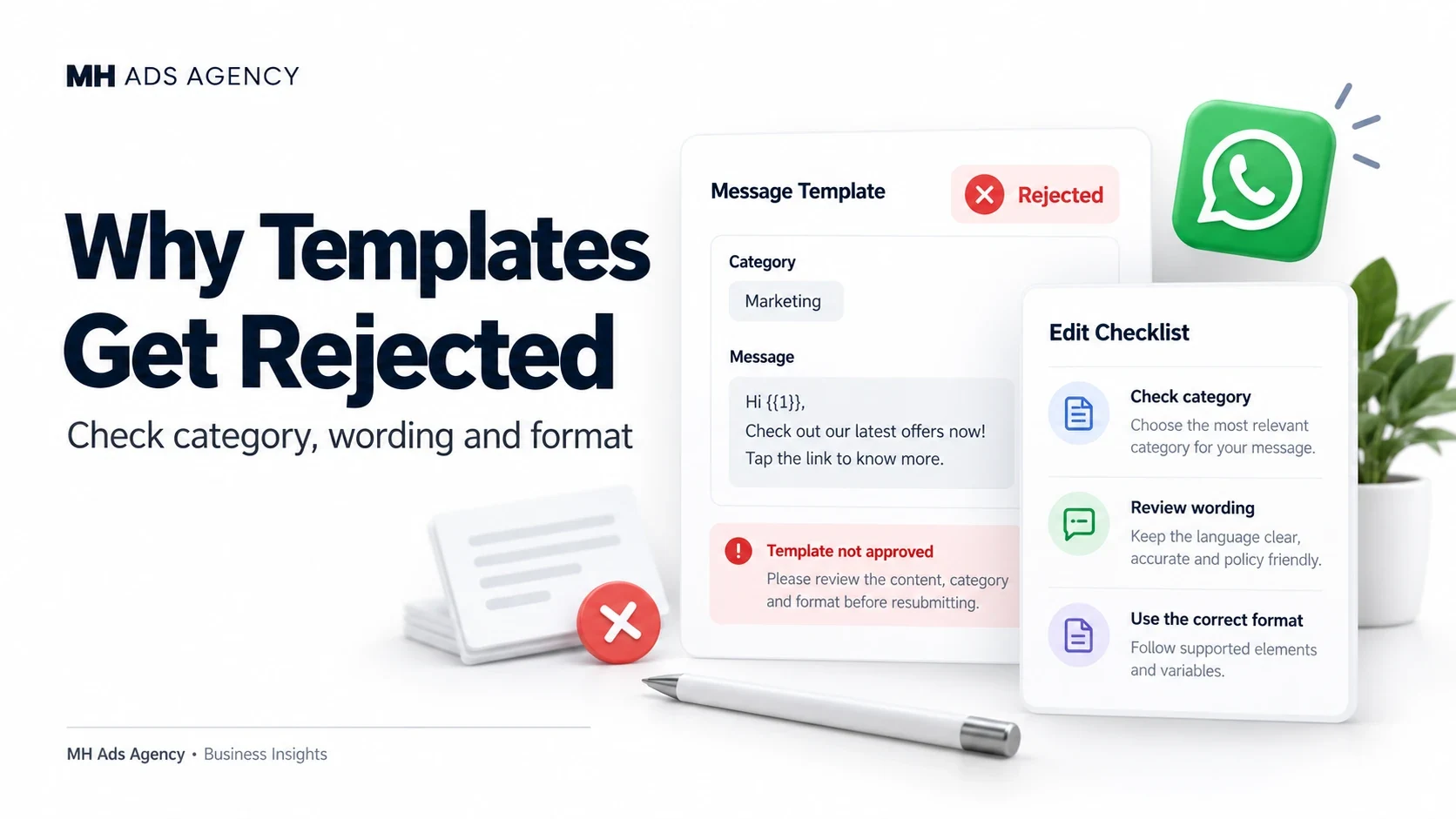
A rejected template needs a targeted review. Start with the reason shown in your template-management interface rather than rewriting it at random.
Check purpose and policy
Make sure the content follows WhatsApp's messaging requirements and uses the right category. Promotional wording should not be disguised as a transaction update.
Review the destination links and the product or service being promoted. A template can have a content-policy issue even when its grammar is correct.
Check structure and examples
Inspect placeholders, required example values, language selection, buttons, and formatting. Examples should make the message's intended use clear without exposing real customer data.
Keep wording specific enough that a reviewer can understand what the customer will receive. Follow the current restrictions for authentication templates where applicable.
Correct or request review
Fix genuine issues and submit the revised version through the available controls. If you believe a rejection is incorrect, use the applicable review option and explain the purpose factually.
After approval, check category and status again before connecting the template to an automated workflow.
Clear purpose, accurate categorization, and complete examples make templates easier to manage.