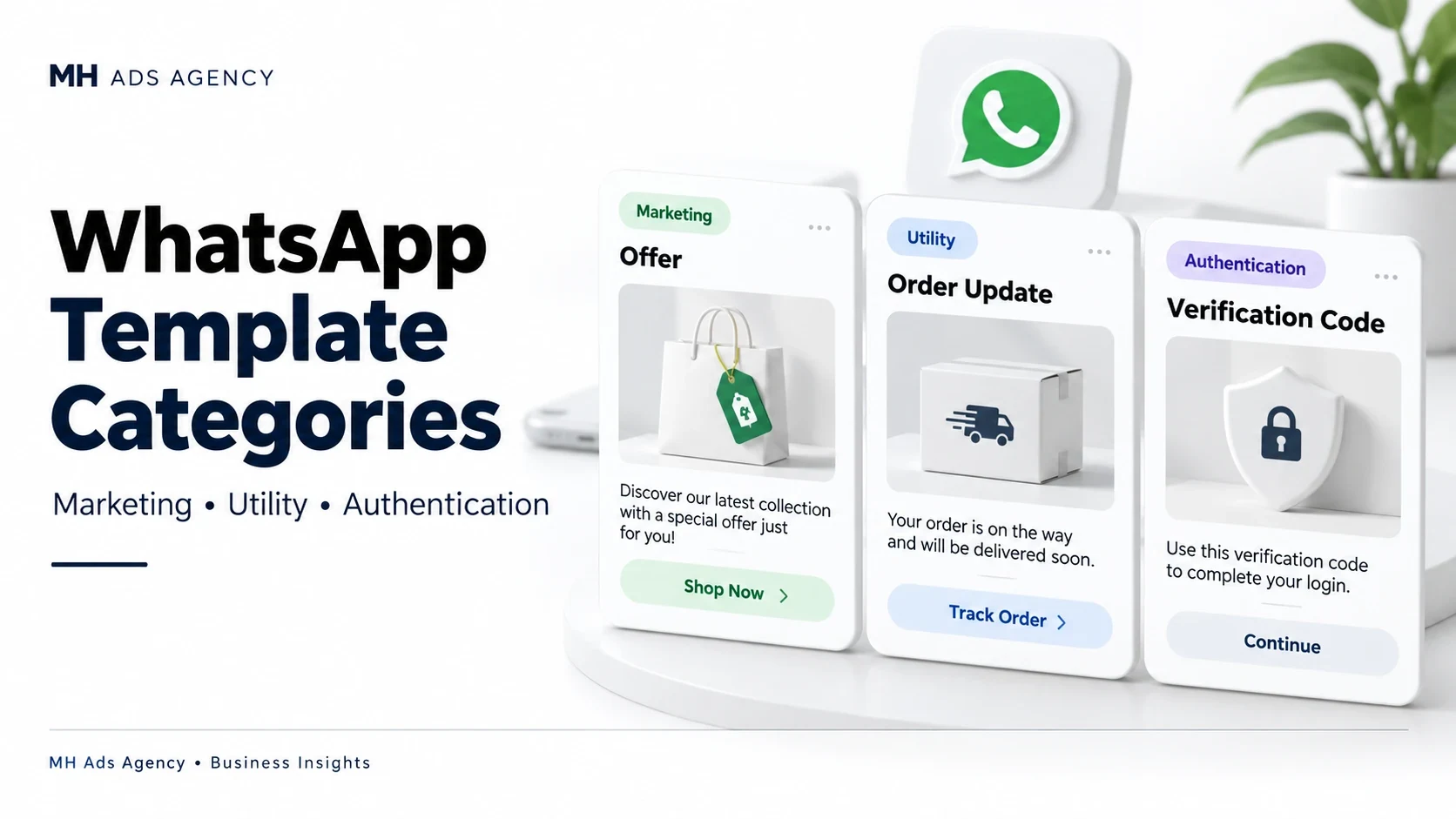
WhatsApp message templates use categories that reflect their purpose. Choosing the appropriate category helps keep your messaging accurate and understandable.
Marketing
Marketing templates cover promotional or engagement-oriented content, such as a relevant offer or product announcement. Send these only with appropriate recipient permission and a clear way to stop receiving them.
Utility
Utility templates support a specific transaction, request, or relevant operational update. An order confirmation or delivery update can fit this purpose when it relates to the recipient's activity.
Adding promotional content can affect classification. Calling a discount offer an “order update” does not make it utility.
Authentication
Authentication templates support identity checks such as verification codes. Follow the supported template structure and restrictions for this category rather than adding unrelated promotional material.
Review the final status
Meta evaluates templates and can assign or change their category. Check the current category, approval status, and applicable pricing before using a template in a workflow.
Approval does not remove other messaging requirements or guarantee delivery to every recipient.
Plan templates around the customer's actual purpose for receiving the message.