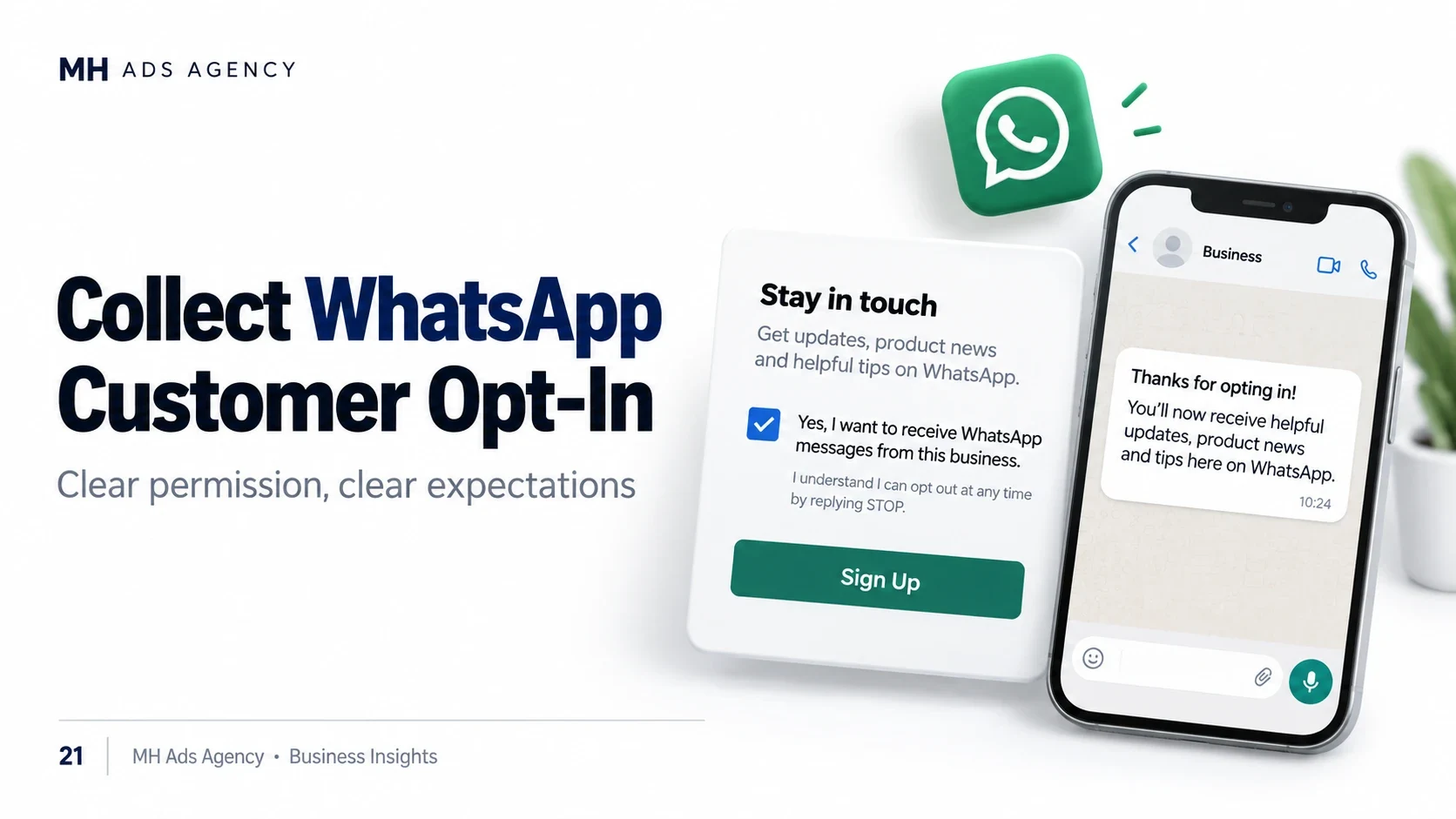
Having a phone number does not automatically mean you have permission to send business messages on WhatsApp. A good opt-in process establishes clear expectations.
Explain the permission
Identify your business and describe the messages customers are agreeing to receive. Separate purposes when useful, such as order updates and promotional offers.
For example: “I agree to receive order updates from [Business Name] on WhatsApp at the number provided.” Marketing permission should clearly describe the marketing messages involved.
Make the choice meaningful
Use an appropriate affirmative action in your signup or customer-contact flow. Do not hide the permission inside unrelated wording or assume a purchase authorizes every future promotion.
Keep a record of the permission wording, customer action, date, and source in a secure system. Choose a method that meets applicable requirements.
Respect opt-out requests
Explain how customers can stop messages and honor requests promptly, including those received outside WhatsApp. Update campaign lists so opted-out contacts are not accidentally included again.
A messaging tier provides capacity; it does not replace permission.
Build your audience through clear customer choices rather than purchased contact lists.