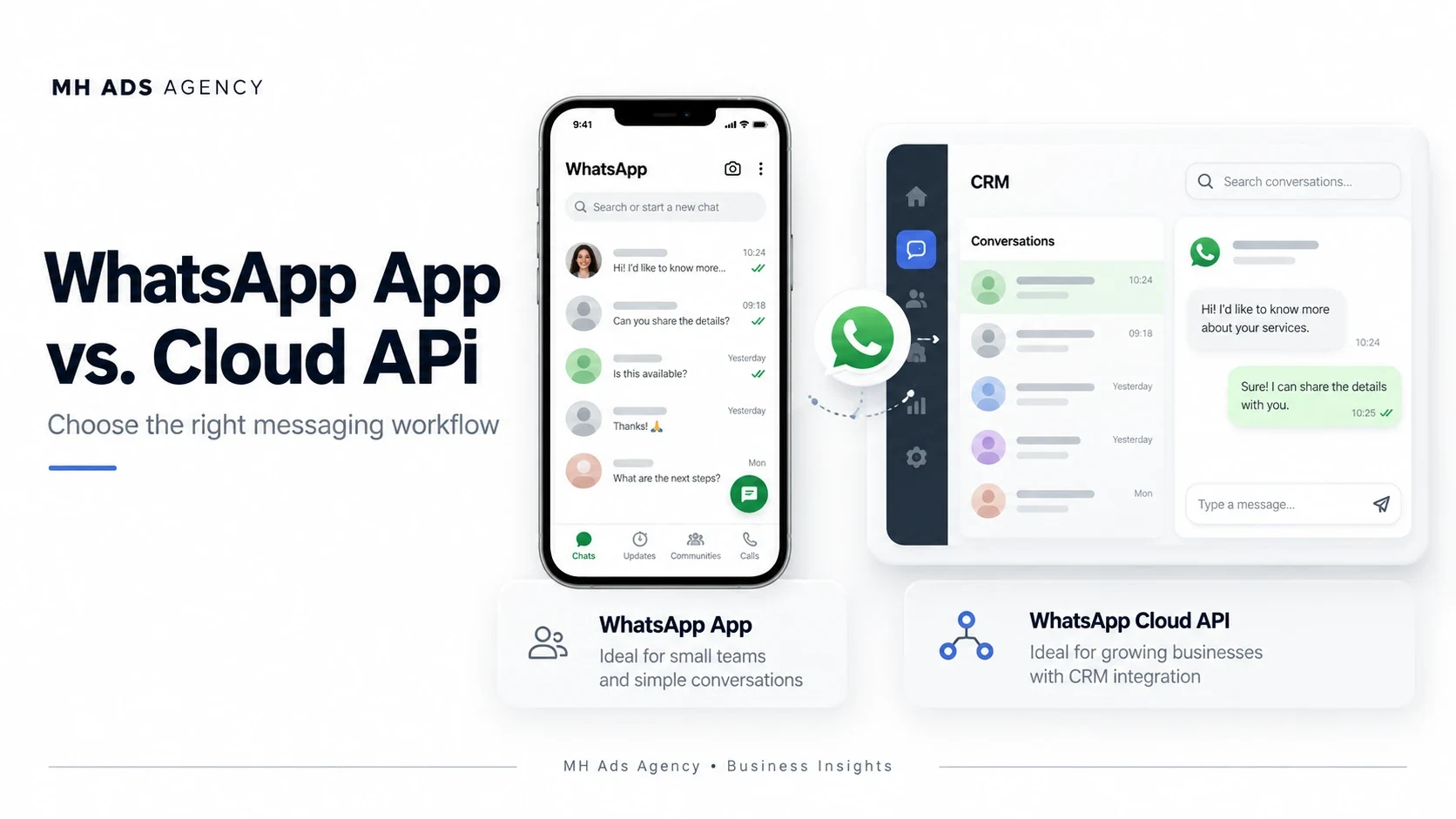
The WhatsApp Business app and Cloud API serve different operational needs. The right choice depends on your team, messaging volume, and integration requirements.
The app approach
The Business app provides a ready-to-use messaging experience with business tools. It can suit businesses that mainly handle conversations directly and do not need extensive custom integrations.
The API approach
Cloud API connects WhatsApp messaging with software. A CRM or support platform can provide a shared inbox, automation, reporting, and workflows. The API itself is the connection, not a complete agent dashboard.
Platform messaging rules apply, including approved templates for messages outside the customer service window and required recipient permission. Software-provider charges should be checked separately from Meta's applicable messaging costs.
Plan your number setup
Ask your provider how onboarding affects the number's existing use. Coexistence or migration options depend on eligibility and the supported onboarding route; do not assume every number can use both arrangements automatically.
Choose the simplest option that supports your actual workflow, with room to expand when needed.
Discuss your team and integration requirements with MH Ads Agency before selecting a WhatsApp setup.