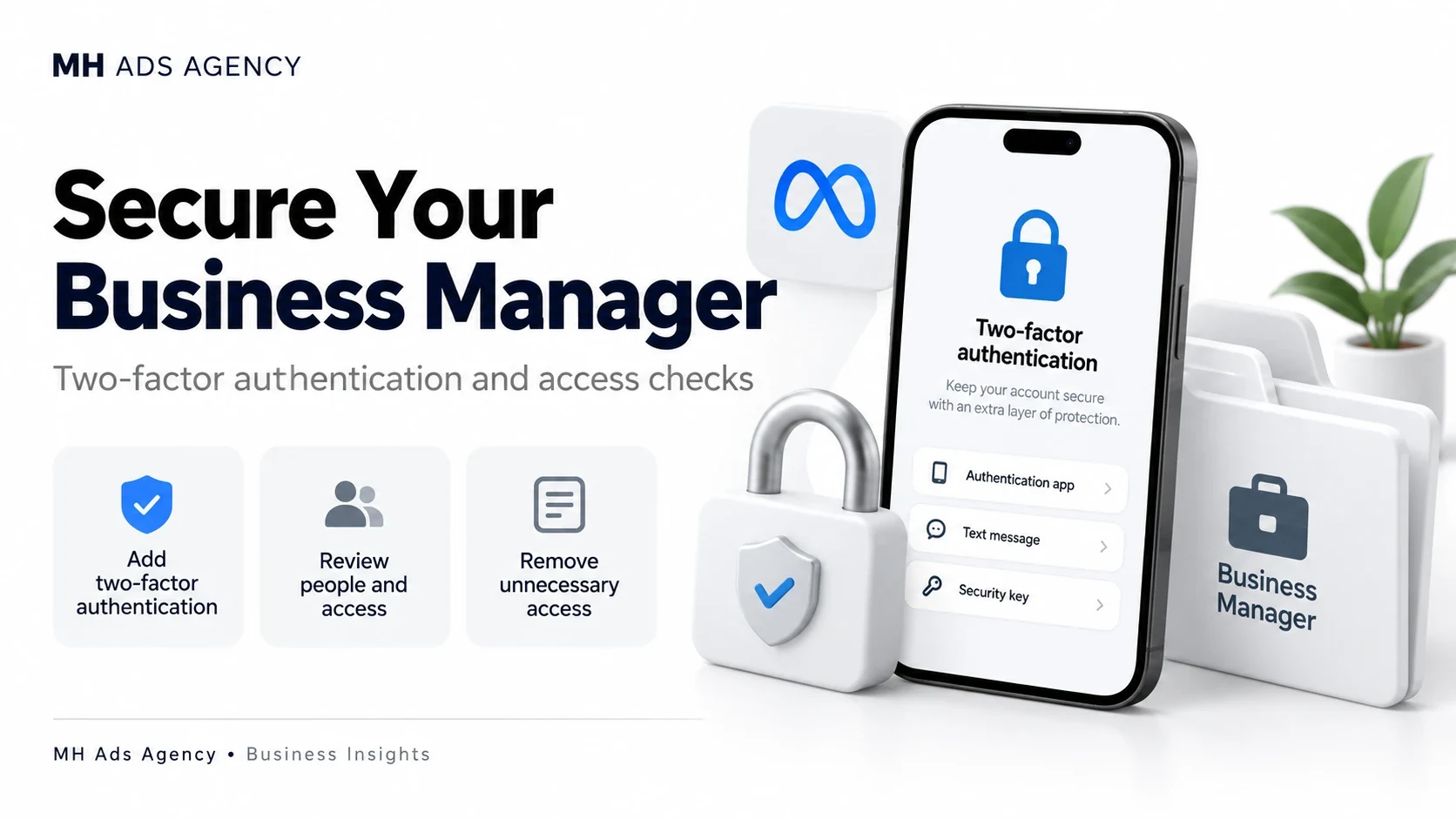
A secure business portfolio starts with the people who access it. Two-factor authentication adds another check to account sign-in and helps reduce unauthorized access.
Secure each person's login
Enable two-factor authentication using an available method such as an authenticator app or security key. Store recovery codes securely and never send them to a colleague, agency, or support contact.
Where available, configure your business portfolio's two-factor authentication requirement for the people who access it. Give team members time and clear instructions to complete their setup.
Review business permissions
Check people, partners, and system users periodically. Remove access that is no longer required and give each person only the permissions needed for their responsibilities.
Use genuine individual accounts rather than sharing one login across a team. Maintain a documented recovery plan and appropriate business-controlled access so operations do not depend on one person's device.
Watch for suspicious activity
Review unfamiliar login alerts, new administrators, unexpected campaigns, and billing changes. Open business tools directly instead of entering credentials through an unexpected message link.
Two-factor authentication is one part of security; it does not guarantee protection from every incident or advertising restriction.
Make account security part of your advertising setup from the beginning.