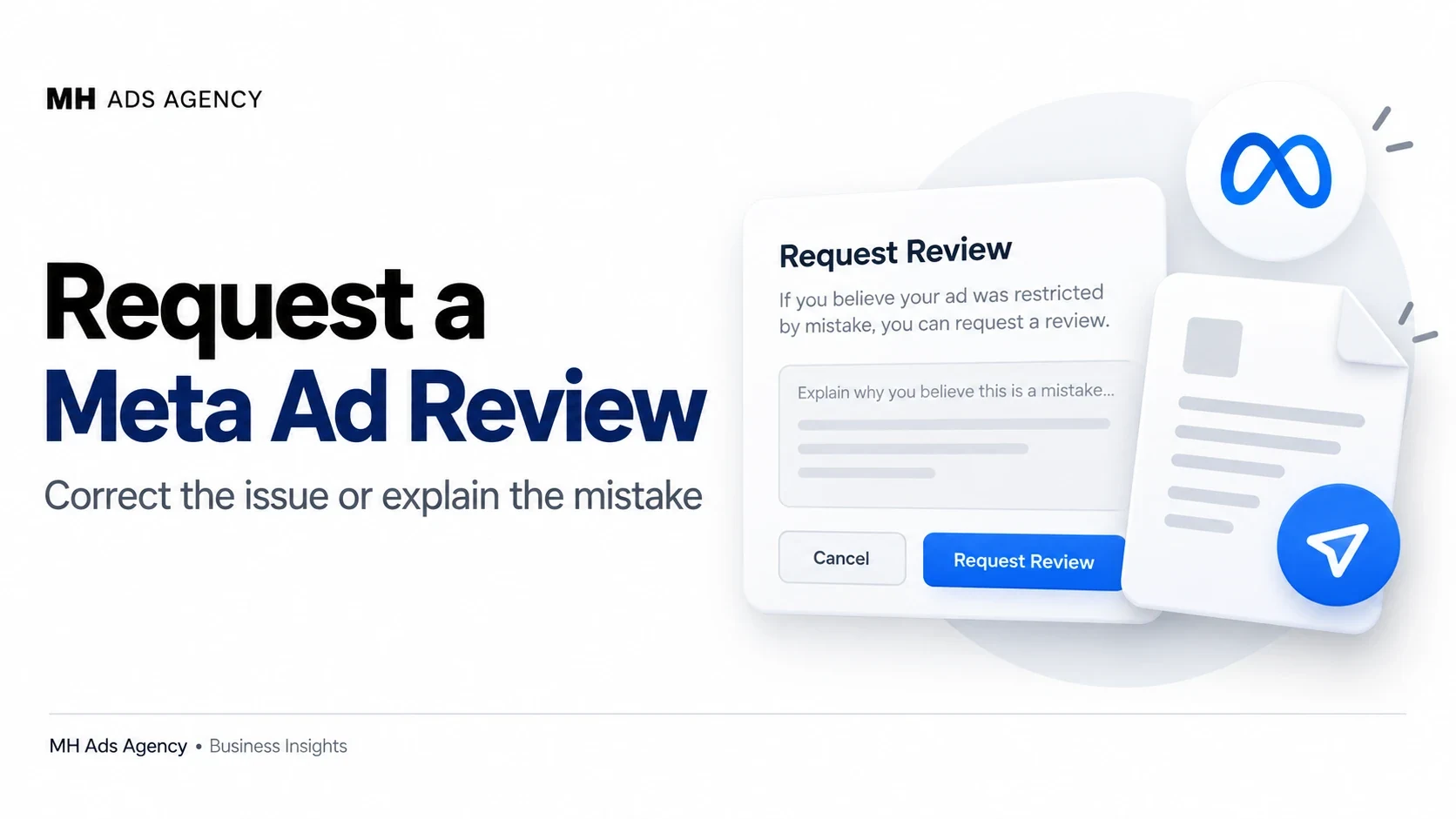
A review request gives you an opportunity to ask Meta to reconsider a decision. It should explain a specific issue clearly rather than promise facts you cannot support.
Decide whether a correction is needed
Read the rejection reason and compare it with the ad and landing page. If there is a genuine issue, correct it through the available editing process.
If you believe the original ad complies, prepare a concise explanation of the relevant facts. Include authorization or business context only when it relates to the policy concern.
Use the official review route
Open the affected ad's details or the applicable Business Support Home controls. Select the available review action and follow its instructions. Review availability and interface wording can differ between cases.
Keep ad identifiers and supporting records so you can refer to the same item later.
Set realistic expectations
Another review does not guarantee approval. Do not claim that unrelated ads being approved proves this ad must also be approved.
After the outcome, inspect the status of the specific ad. Approval of one variant does not necessarily apply to every version in the campaign.
Use a short, factual explanation and address the exact reason in the notice.