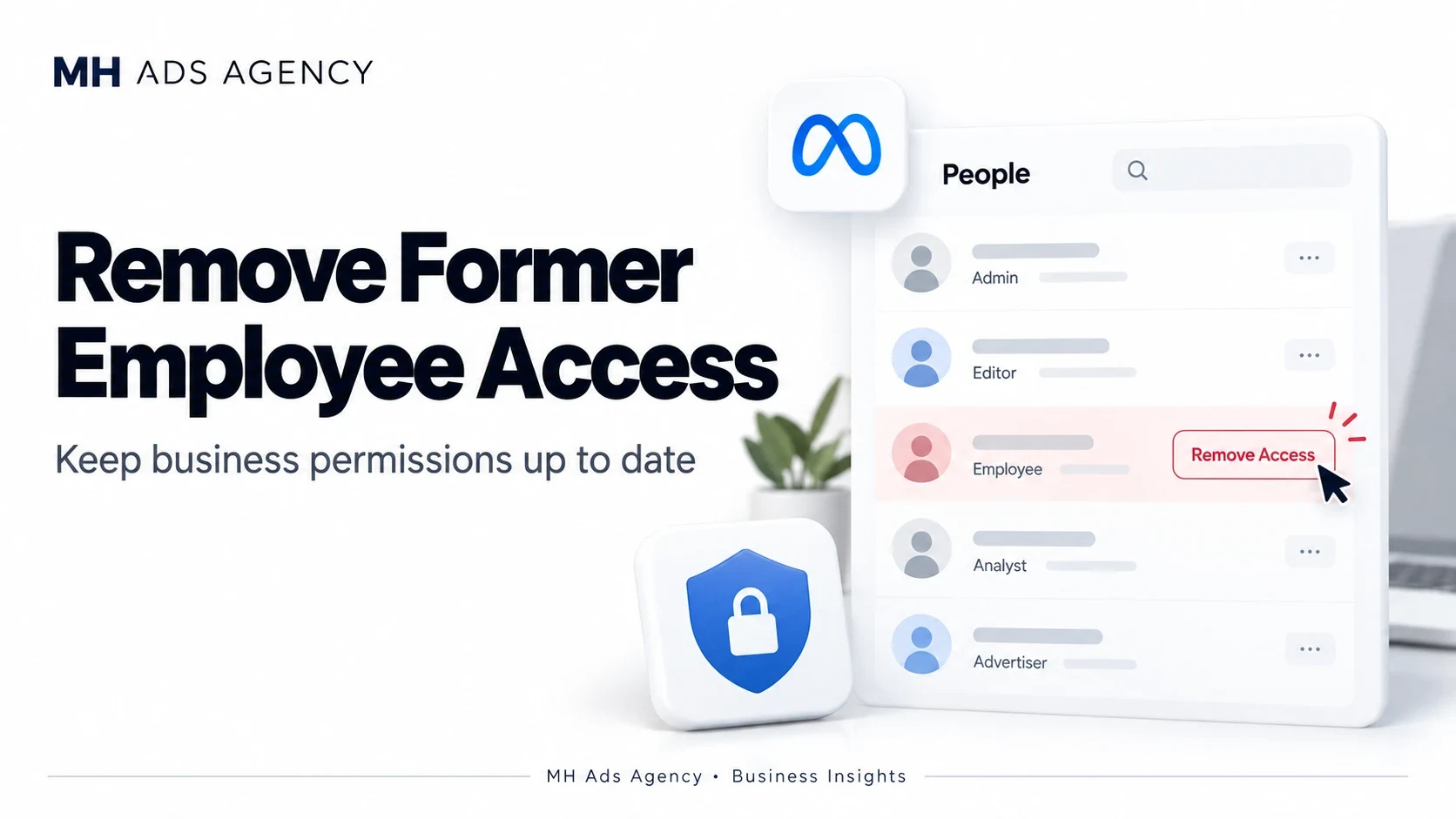
When an employee leaves, reviewing their business access should be part of the handover. Outdated permissions can leave assets exposed or make responsibilities unclear.
Prepare the handover
Identify the person's responsibilities and assets. Confirm that authorized current team members retain the control needed to manage campaigns, billing, Pages, and connected tools.
Transfer operational knowledge and business-owned files before removing access where appropriate. Keep a record of the change.
Review every relevant access route
Use your portfolio's people controls to remove or adjust permissions. Also check direct Page access, Instagram access, partner businesses, system users, and third-party integrations.
Removing someone from one portfolio is not proof that every other access route has ended. Review connected tools separately.
Protect shared credentials
If the person knew passwords to business email or other shared systems, rotate those credentials and inspect recovery methods. Revoke relevant sessions or tokens when needed, considering dependencies first so legitimate workflows keep functioning.
Use individual accounts and documented roles for future access. This makes offboarding easier and more accountable.
A regular permission review helps keep your advertising operations organized as your team changes.