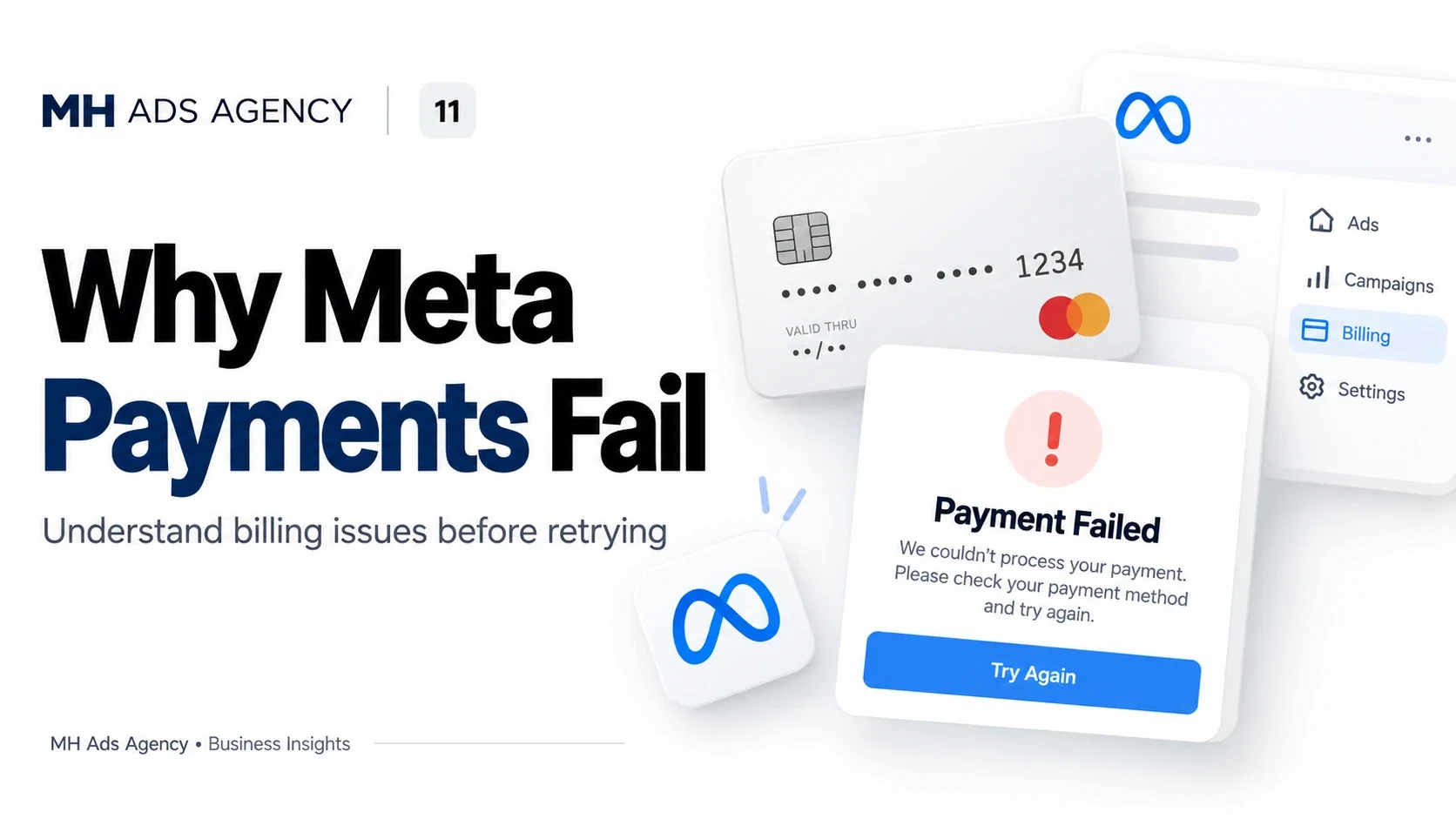
A failed payment can interrupt advertising. The best next step is to identify the payment error rather than repeatedly retrying without changing anything.
Check the payment method
Confirm available funds, card expiry, and the accuracy of billing information. Your bank may apply online, international, recurring-payment, or transaction-size restrictions.
Ask the bank about the specific attempted transaction if it was declined. Avoid assuming that every decline originates with Meta.
Read the account notice
Review Billing & payments for outstanding amounts and the reason shown. Some cases require payment verification or an additional authorization step.
Use only payment methods you are authorized to use. Update details through Meta's official interface and follow any account-specific instructions.
Resolve and verify
After addressing the issue, use the available payment controls and check the resulting status. Keep transaction references, but avoid sharing full card numbers or security codes.
A successful payment does not resolve an unrelated advertising-policy restriction. Confirm the delivery status separately before expecting campaigns to resume.
For billing setup guidance, contact MH Ads Agency with the error text and non-sensitive payment information.