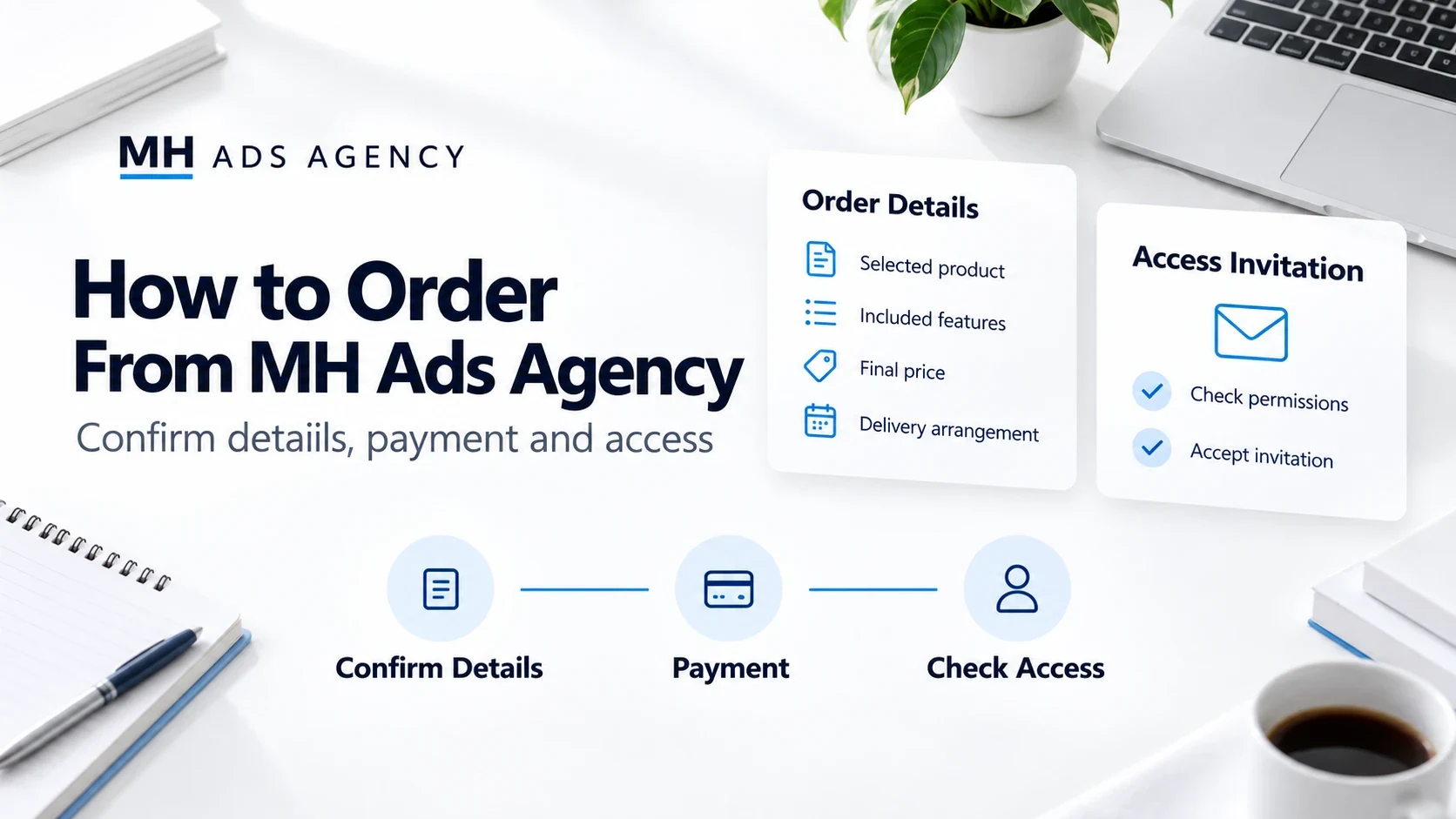
A clear order begins with knowing what you need. Before paying, discuss the product, included features, and access arrangement with MH Ads Agency.
Step 1: Explain your requirement
Tell us the platform, intended use, number of accounts or numbers needed, and any relevant currency or location requirements. Do not send passwords or sensitive identity documents in an ordinary chat.
Step 2: Confirm the package
Ask for current availability, verification status where relevant, included assets, limits, permissions, and final price. Confirm whether advertising spend, messaging costs, or subscriptions are separate.
Step 3: Agree on payment and delivery
Use the payment instructions confirmed through our official contact channels. Before payment, agree on the delivery method, expected timing, included assistance, and applicable terms. Timing depends on the specific order and any platform steps required.
Step 4: Check your access
Accept the authorized invitation or follow the agreed onboarding route. Verify the relevant assets and permissions yourself, then report any mismatch promptly.
Keep the order confirmation and transaction reference. Never disclose one-time login codes to receive access.
Explore products at https://mhadsagency.com/ and contact MH Ads Agency to confirm your order details.