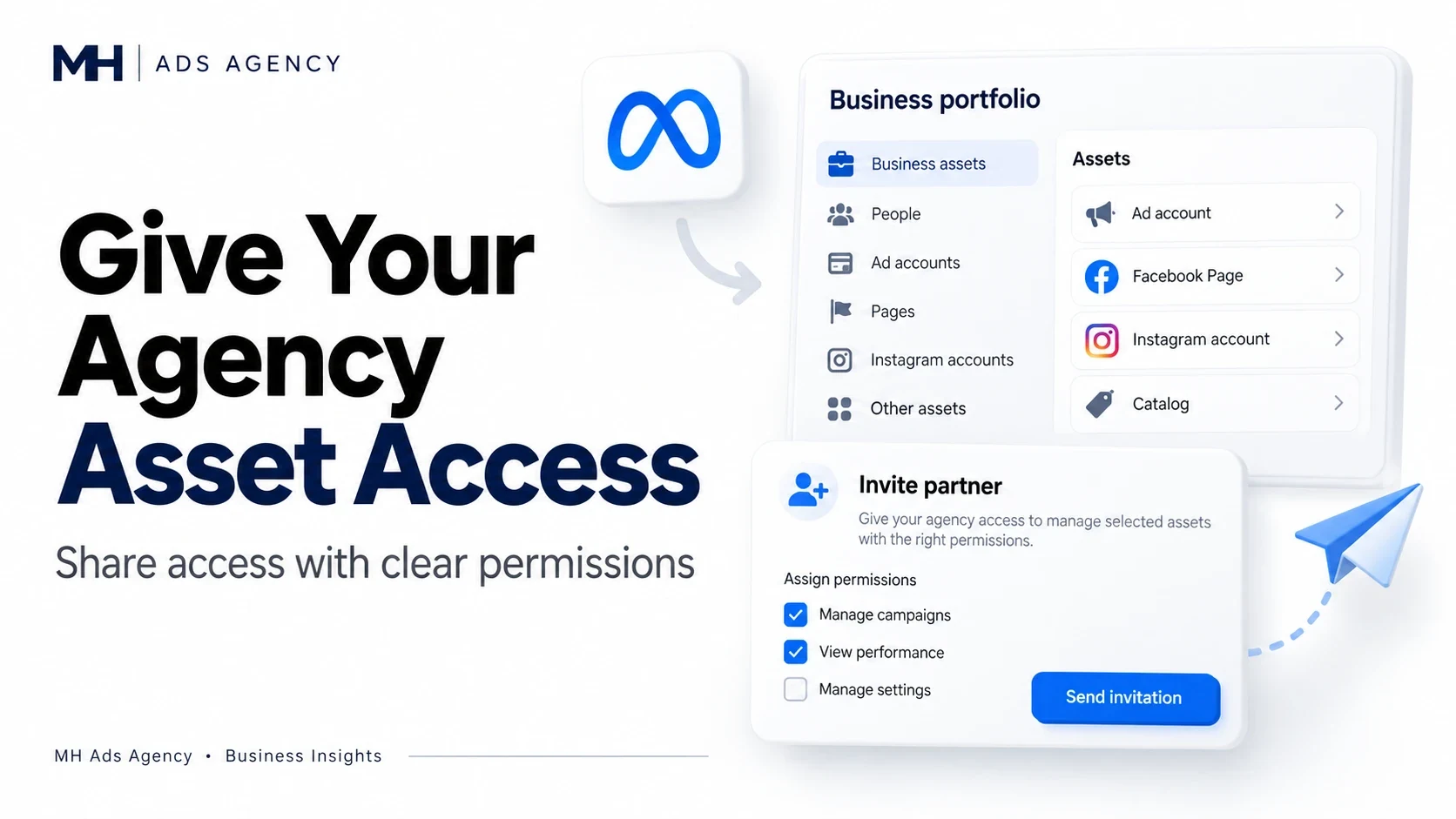
An agency can manage advertising without using your personal login. The aim is to grant the permissions it needs through Meta's business tools while keeping ownership clear.
Agree on the scope first
List the work the agency will perform: campaign management, Page activity, tracking configuration, or reporting. Identify the relevant Page, ad account, Instagram account, and tracking assets.
Then confirm the agency's business identifier through a trusted channel. Sharing access with the wrong portfolio creates avoidable problems.
Assign the required assets
In your business portfolio settings, use the available partner-access controls to select the agency and assign relevant assets and permissions. Menu wording can vary. The person granting access must have sufficient control.
Avoid granting broader permissions simply because they are available. Confirm that the agency can complete its assigned tasks after the invitation is accepted.
Document the arrangement
Record who owns each asset, who pays for ads, which permissions were granted, and when access should end. Do not share passwords, recovery codes, or one-time login codes.
Discuss your required assets and permissions with MH Ads Agency before beginning an agency-access arrangement.