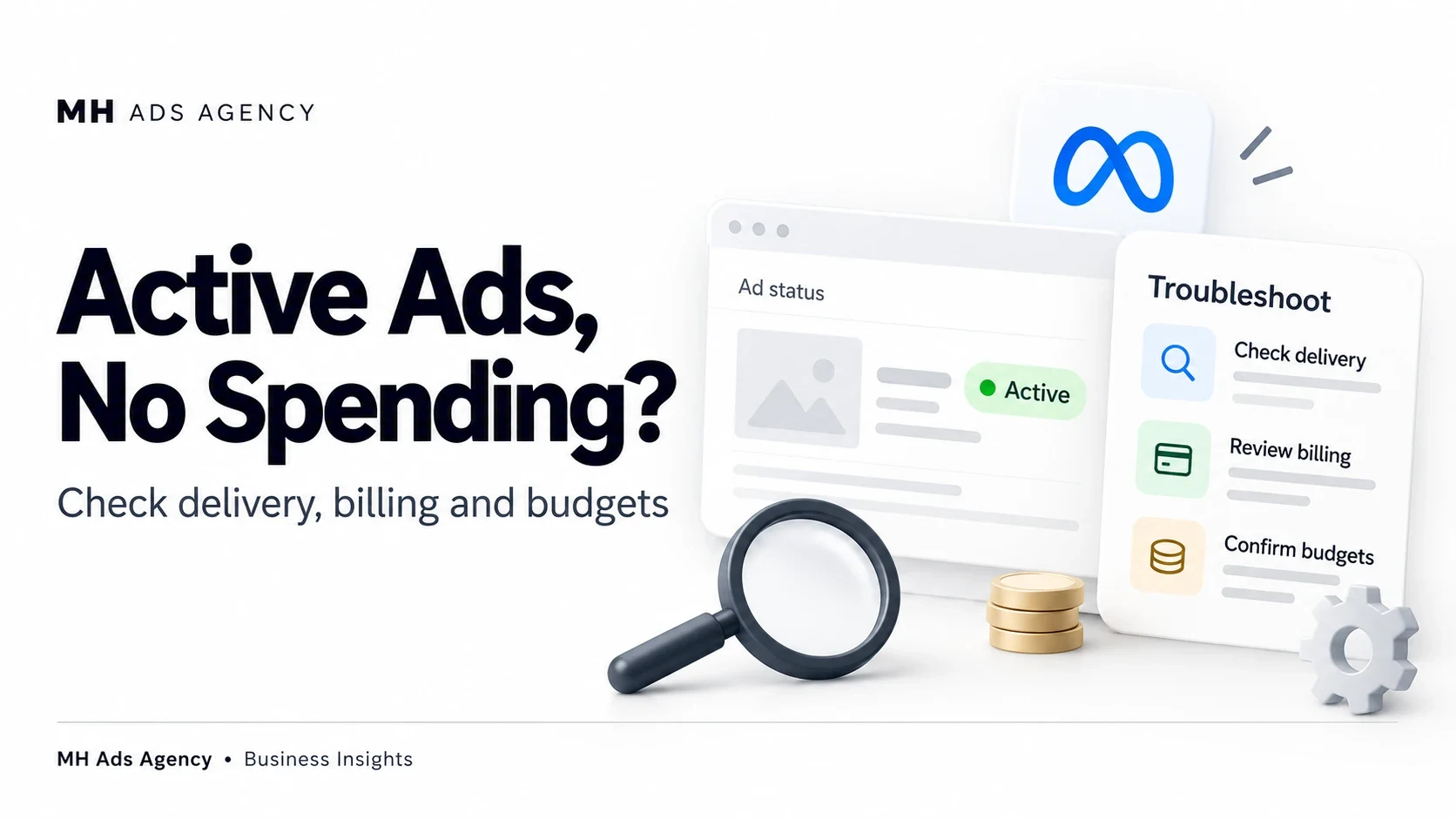
An “Active” switch does not guarantee that an ad is delivering. Several other conditions determine whether Meta can serve it.
Start with the delivery message
Inspect campaign, ad set, and ad levels. A campaign may be enabled while an ad is under review, rejected, scheduled for later, or affected by a restriction.
Check the reporting date range and time zone before concluding that spending is missing. Recent activity may also take time to appear in reports.
Check billing and spending controls
Review unpaid balances, failed payments, available funds where applicable, account spending limits, and platform-imposed restrictions. Confirm that your campaign has an appropriate budget and schedule.
Review targeting and bidding
A very narrow eligible audience or restrictive bidding settings can reduce delivery opportunities. Check whether the selected optimization event and placements are suitable for the campaign.
Make changes based on the identified issue. Repeatedly duplicating campaigns or changing every setting at once makes diagnosis harder.
Give newly approved campaigns a reasonable opportunity to begin delivering, while checking for explicit errors.
Bring the delivery message, objective, budget, and billing status to MH Ads Agency when discussing your setup.