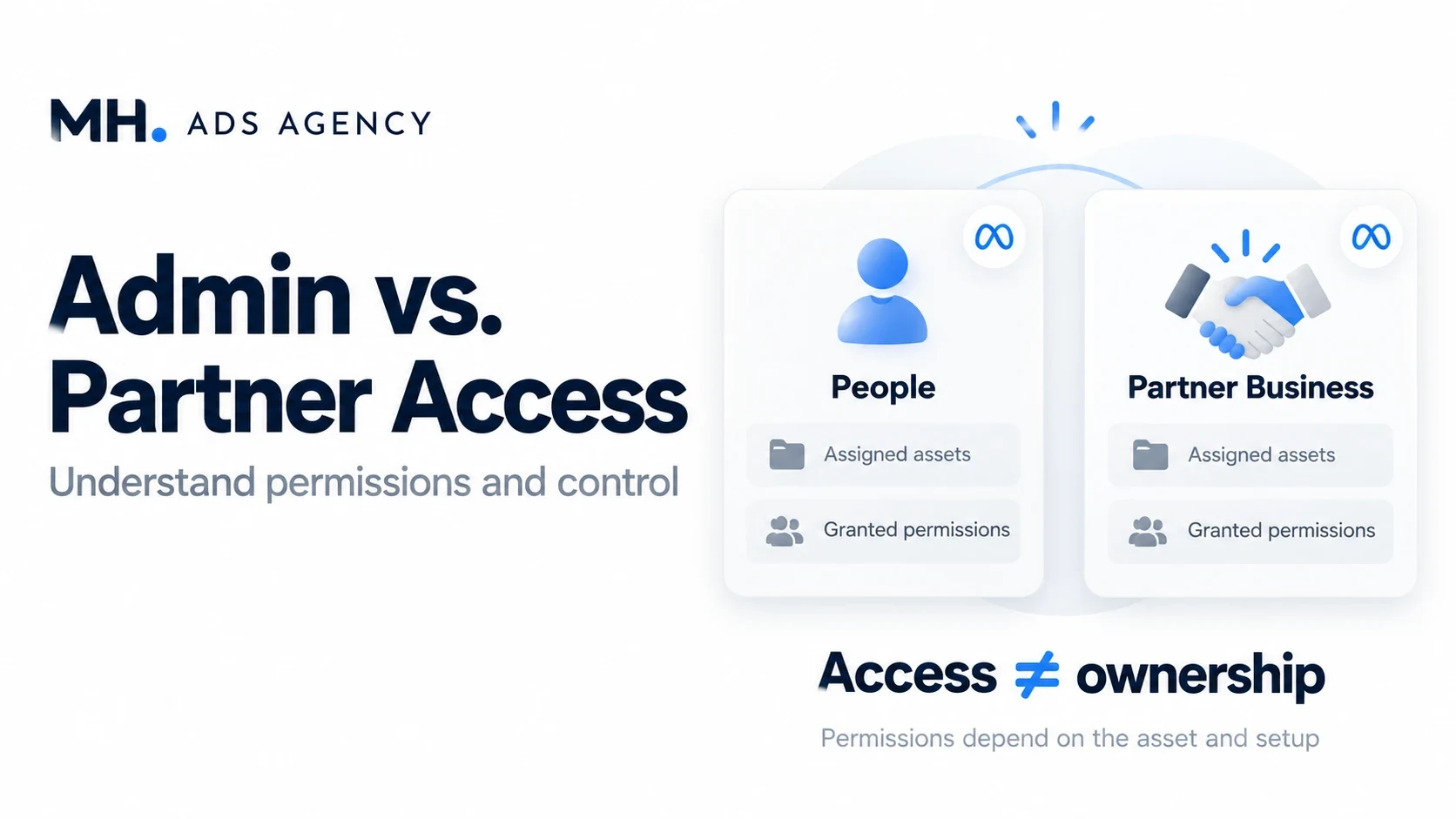
Before accepting an advertising setup, ask what kind of access you will receive. Administrator access, partial access, and partner access describe different arrangements.
Individual permissions
People added to a business portfolio can receive different levels of control. Broader permissions may allow sensitive changes, while narrower permissions cover specific tasks or assets. Exact options depend on the asset and interface.
Being able to manage campaigns does not necessarily mean you can manage the portfolio, change billing, or assign other people.
Partner access
Partner access connects another business portfolio to selected assets. An agency can then allocate its own team members according to the permissions available to it. This supports collaboration between businesses without requiring shared personal credentials.
Access does not automatically mean ownership
A person or agency may have substantial operating permissions while another business remains the owner. Confirm ownership separately and agree on what happens when the relationship ends.
Ask whether you can review campaigns, download reports, manage payments, and remove access. These practical details matter more than a simple promise of “full access.”
Contact MH Ads Agency to clarify ownership and permissions before selecting a package.